
Background

Esport Broadcasting Powerhouse

Sapphire Counter-Strike 2 HUD

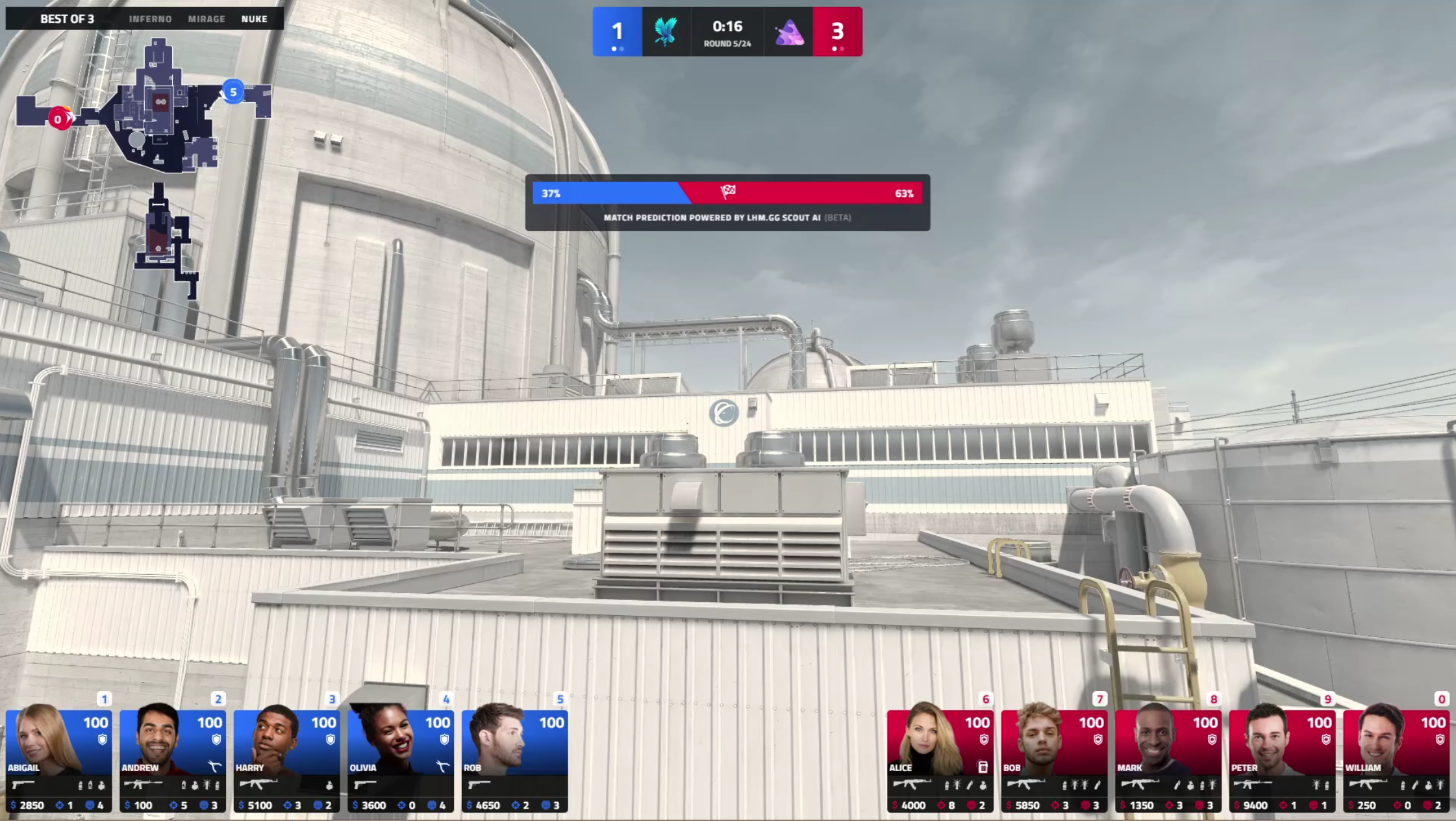
Bring a fresh, cinematic perspective to your esports broadcast with LHM Sapphire Counter-Strike 2 HUD. Built specifically for high-energy CS2 events, it combines a striking horizontal player-card design with a performance-first interface. HUD management and tracking detailed match analytics has never been easier - Sapphire Counter-Strike 2 HUD lets you deliver professional-grade production value with minimal effort.
Preview

Counter-Strike 2 HUD

Counter-Strike 2 HUD

Engineered for high-energy productions, Sapphire Counter-Strike 2 HUD is available directly through the LHM Cloud with a professional visual design and several color scheme options to choose from. This Counter-Strike 2 HUD is all about immersion, featuring high-visibility economy overlays and detailed performance analytics that keep your viewers engaged during every Counter-Strike 2 tournament match.

Sapphire Counter-Strike 2 HUD is designed to work in perfect harmony with Scout AI Vision, Scout AI Predict, and Scout AI Cinematics. Coupled with the LHM Replays, it transforms your broadcast into a smart production hub. Let LHM automate the heavy lifting of spectating and observing, giving you the freedom to engage your audience with professional-grade content that was once only possible with a massive production crew.

Start next level streaming

Why is it worth it?

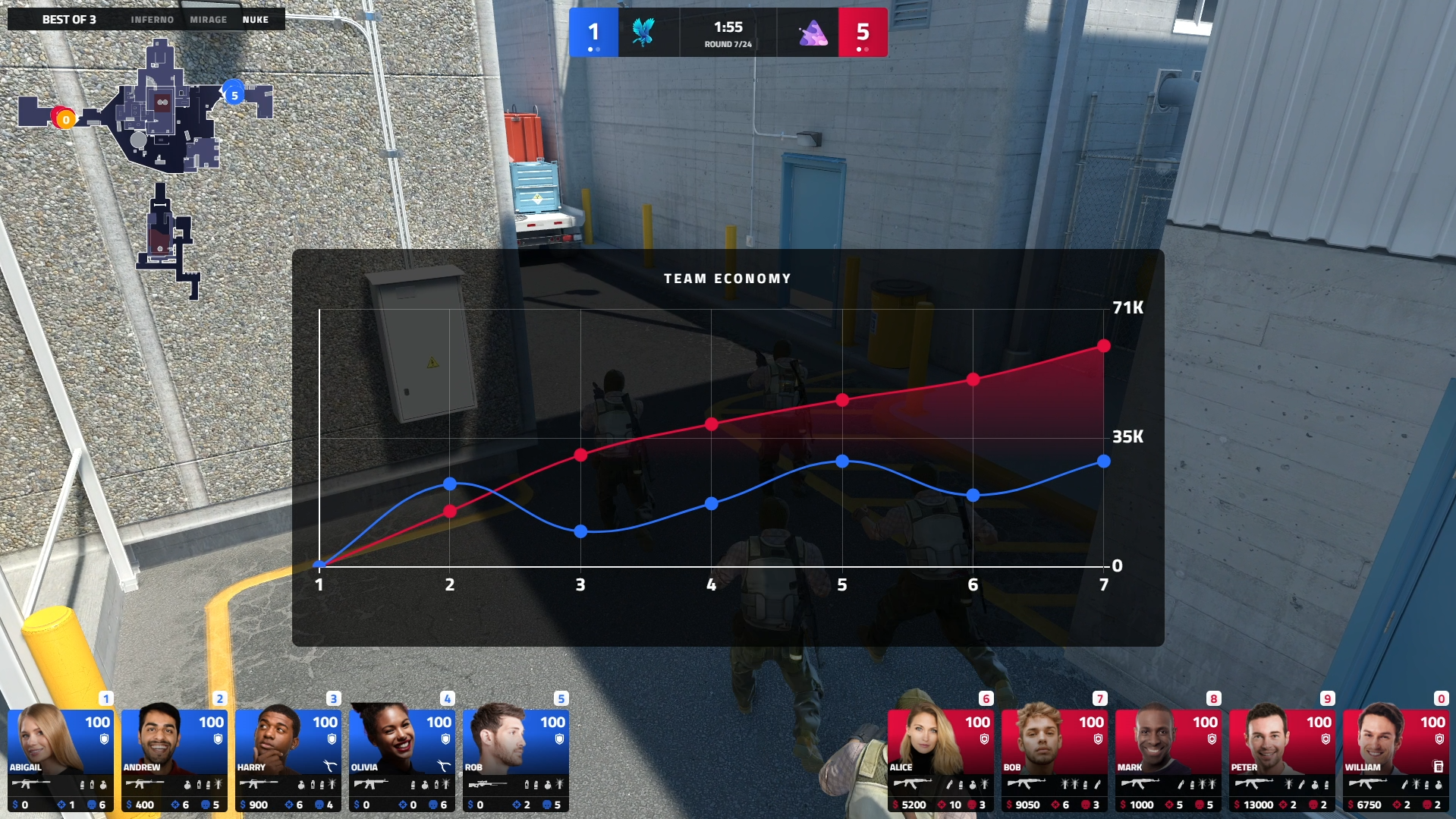
Vibrant and high-impact data visualization for every match

Instant analytics for team investment and loadout comparisons

Intuitive match scoreboard optimized for fast-paced action

Immersive spectator view with modern horizontal player-card layout

A variety of distinct color palettes exclusively for Professional and Enterprise users
Vibrant and high-impact data visualization for every match

Differences in
Sapphire Counter-Strike 2 HUD
for each plan

The Personal plan gets:

Standard Counter-Strike 2 HUD functionality

Default color palette

Blue - Red
Cameras support

Professional and Enterprise plans additionally get:

All analytics and comparison screens

Several color palettes to choose from

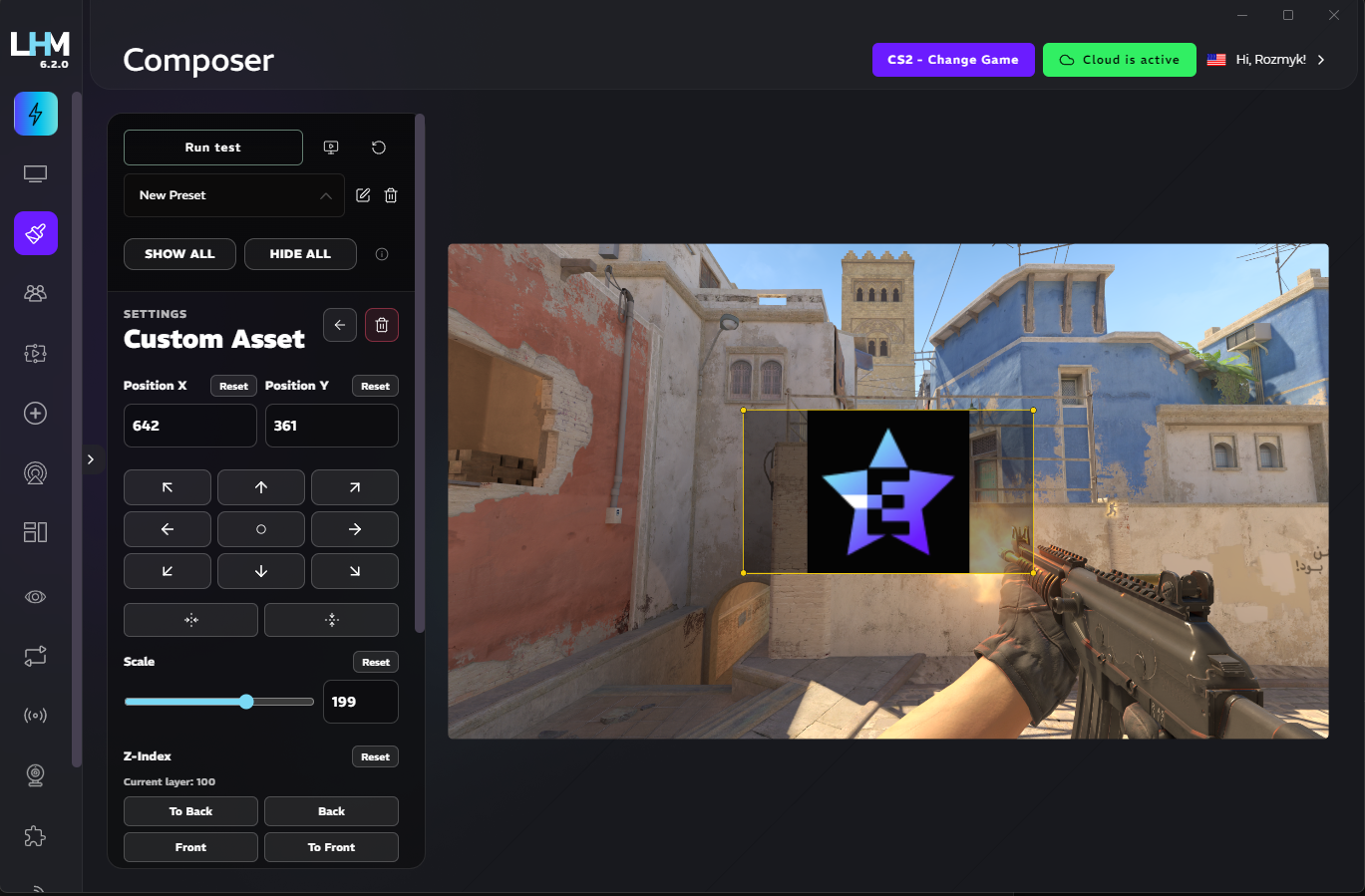
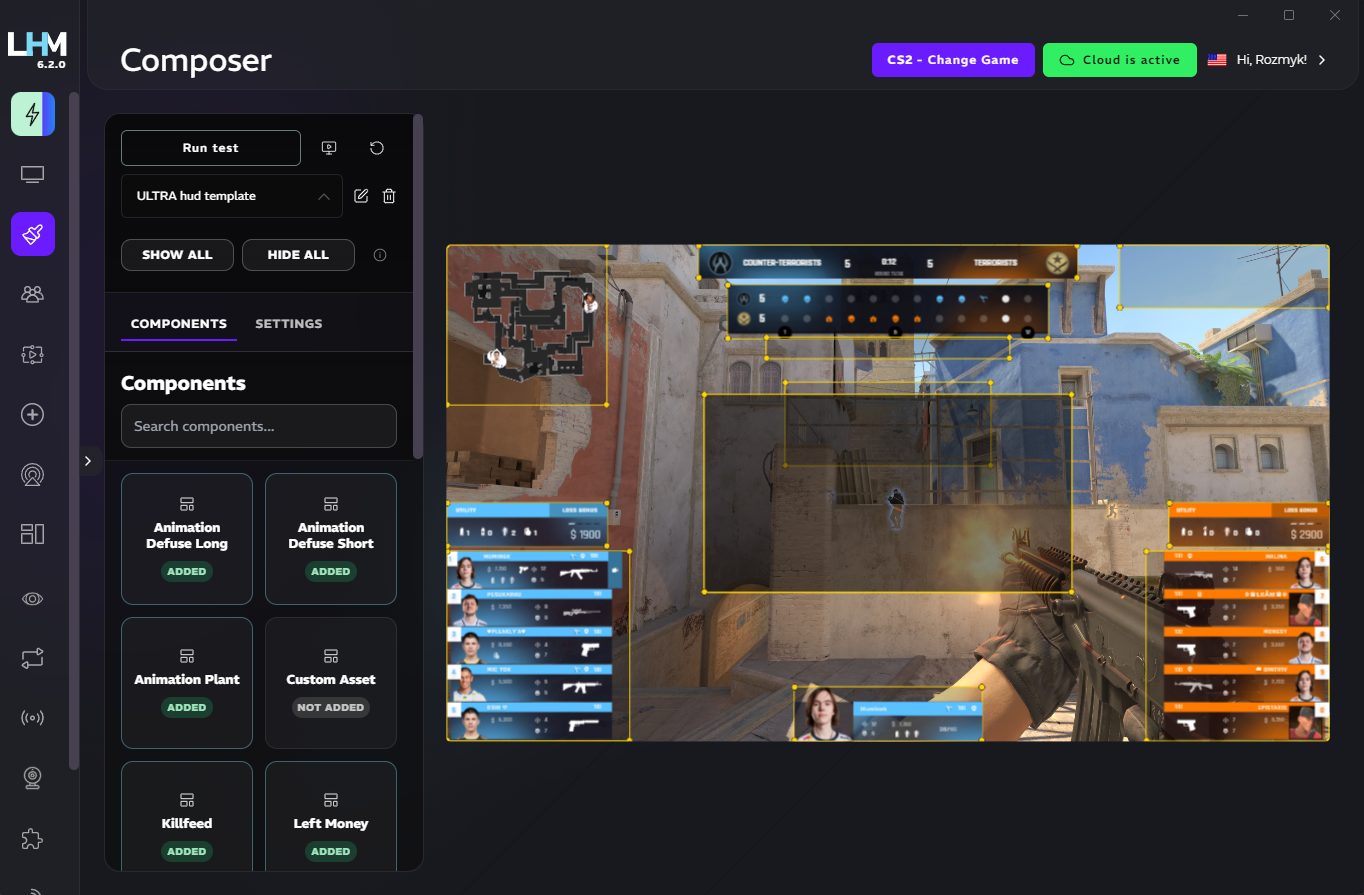
Customize Sapphire HUD with HUD Composer

Use HUD Composer to fine-tune colors, shapes, sizes, styling, and fonts. Mix in elements from other HUDs like Ultra or Neon to create a distinct look that perfectly matches your branding and your event.